Time tracking that just works
Turn any phone into a time clock
Your team scans a QR code to clock in — and you get schedules, leave approvals and payroll-ready hours, all in one place. No hardware, no app to install.
90-day free trial · No credit card required
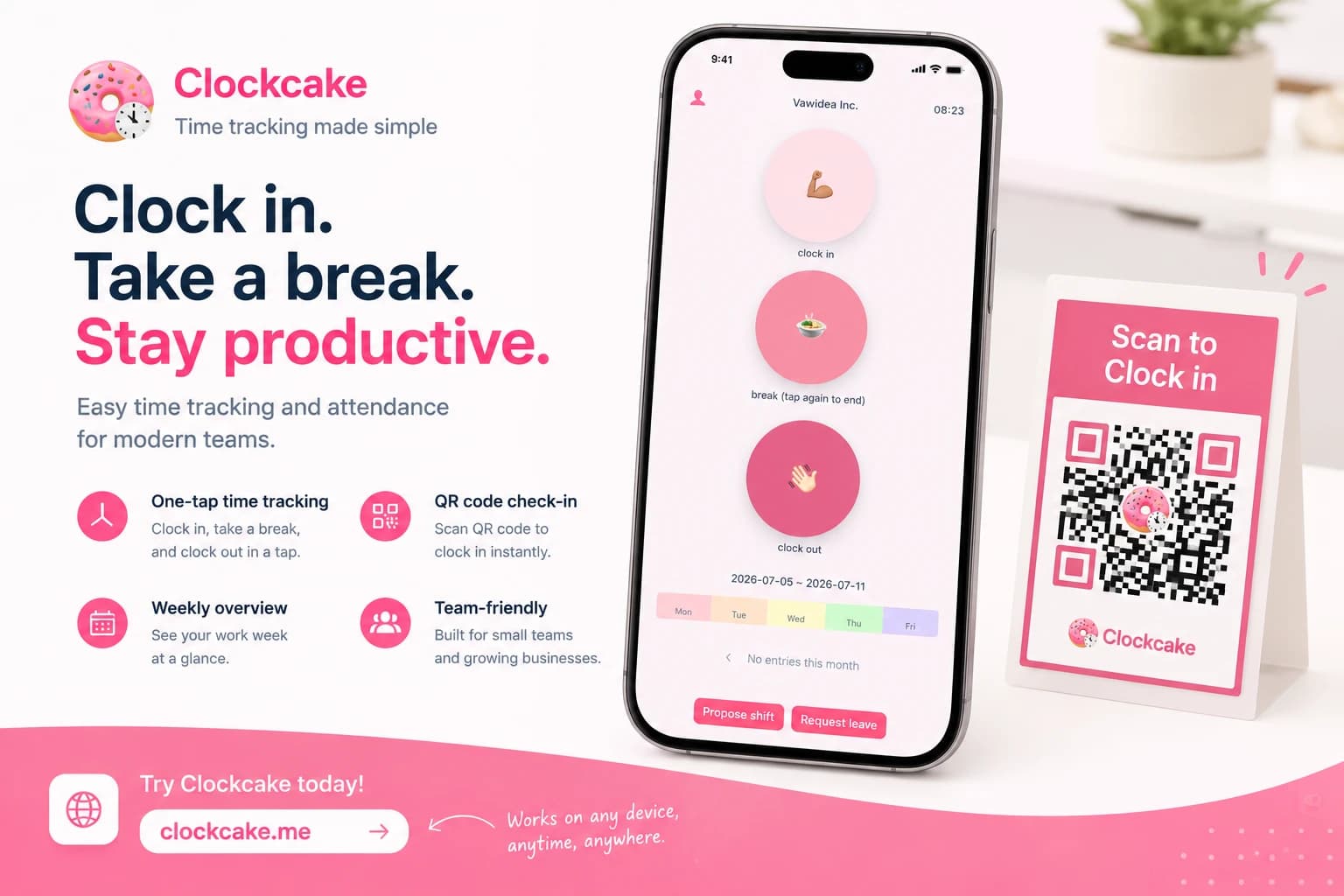
QR check-in
Scan. Clock in. Done.
Print one QR poster per location. Staff scan it and clock in on their own phone — nothing to install, no shared device to pass around. Set a geofence or IP whitelist and clock-ins from anywhere else are flagged for admins — or refused, if you choose.
- Works in any browser — no app to install
- One QR per location, unlimited staff
- Geofence + IP whitelist flag or block clock-ins from elsewhere

Everything you need to run your team's hours
Clock-ins, schedules, leave and pay — one workspace, not five tools.
Clock in & out
One-tap punches with breaks from any phone, plus live status for the whole team.
Scheduling
Build weekly shifts, publish them, and let staff claim or swap open slots.
Leave management
Staff request time off; managers approve in a tap and balances update themselves.
Payroll-ready hours
Approved hours flow straight into CSV, PDF and monthly reports — no retyping.
Multi-location
Unlimited locations, each with its own QR check-in point and geofence.
Admin console
Invite staff, fix punches, and see every location's hours from one dashboard.
Up and running in minutes
Create your workspace
Sign up with your email — no credit card. You get a dedicated check-in link and QR code right away.
Print the QR code
Print the poster or send the link. Staff clock in from their own phones, the first time in seconds.
Watch the hours add up
Approve leave, publish shifts, and export payroll-ready hours whenever you need them.
Built for real teams, everywhere
41 languages
Your team clocks in in their own language
Labor-law ready
Time records retained to meet local requirements
Privacy-first
Consent-based analytics and clear, plain terms
Give your team a time clock they'll actually use
Start free for 90 days — every feature unlocked, no credit card, cancel anytime.
Common questions
Do employees need to install an app?
No. Staff clock in from any phone's browser by scanning your QR code or opening your check-in link. There's nothing to install.
How much does it cost?
Start with a 90-day free trial — every feature, no credit card. After that, plans start small and you're billed only for active employees.
Can I stop buddy-punching?
You can cut it down a lot. Everyone clocks in with their own account, and every clock-in is checked against the location's geofence and IP whitelist: ones from outside are flagged for admins, and you can choose to refuse them.
Does it handle schedules and leave too?
Yes — scheduling, leave approvals and payroll-ready exports are all built in, not paid add-ons.
Clock in from the browser
Your team can clock in from any phone's browser today — nothing to install. The iPhone, iPad and Android apps are on the App Store and Google Play if you want them.

